
I build automationsthat connect yourbusiness tools.

Kyle Matthew M. Reynoso AI Automation Specialist

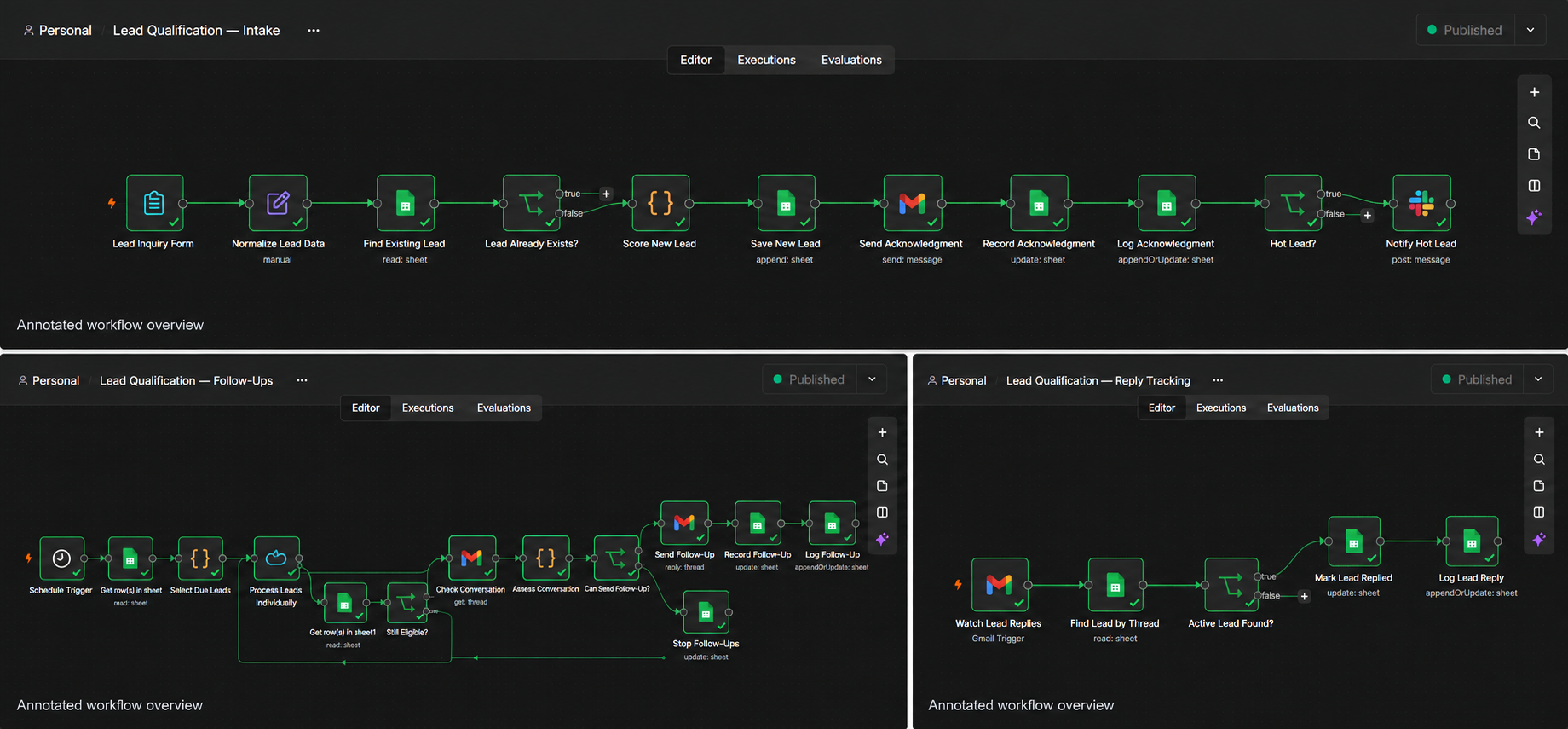
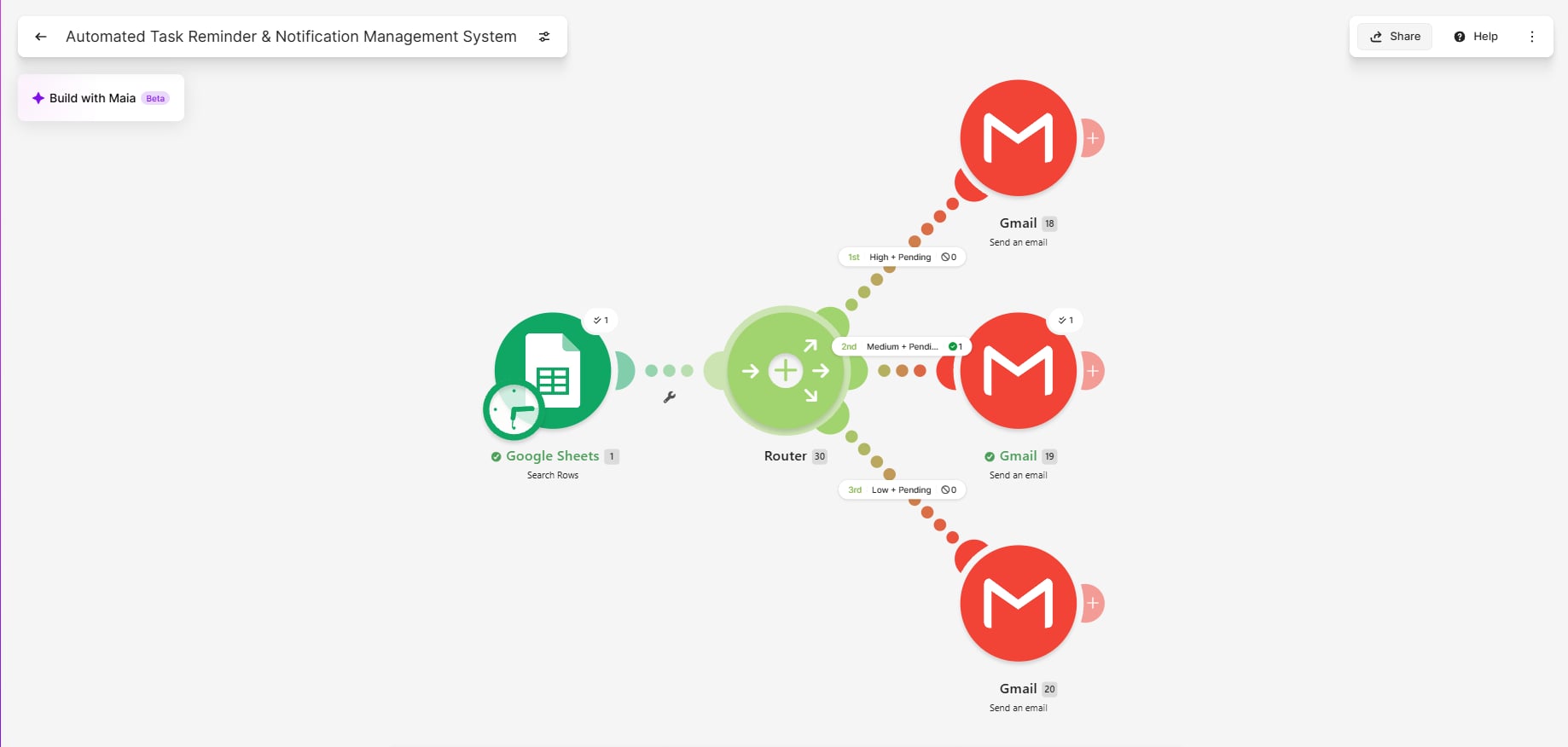
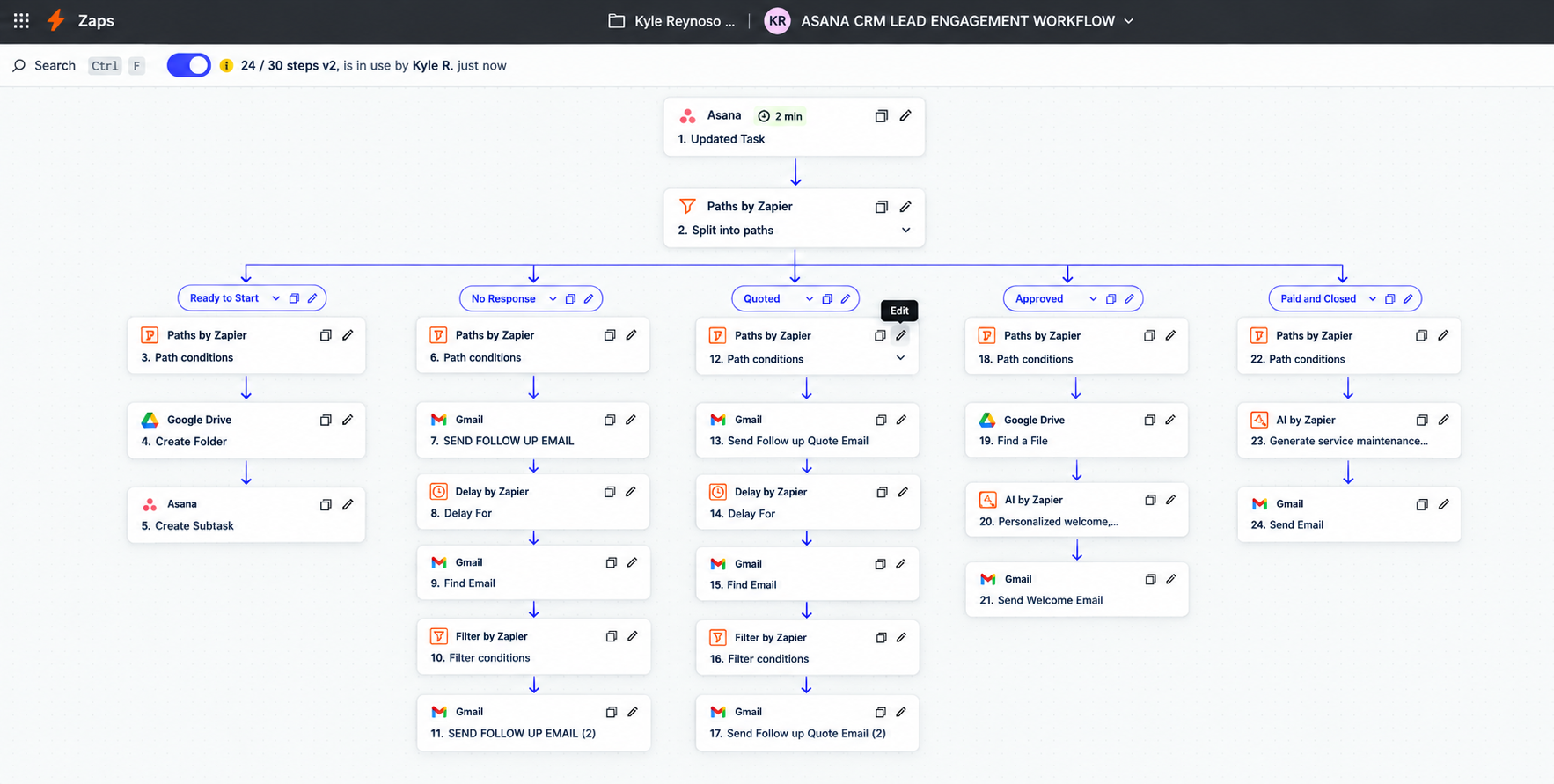
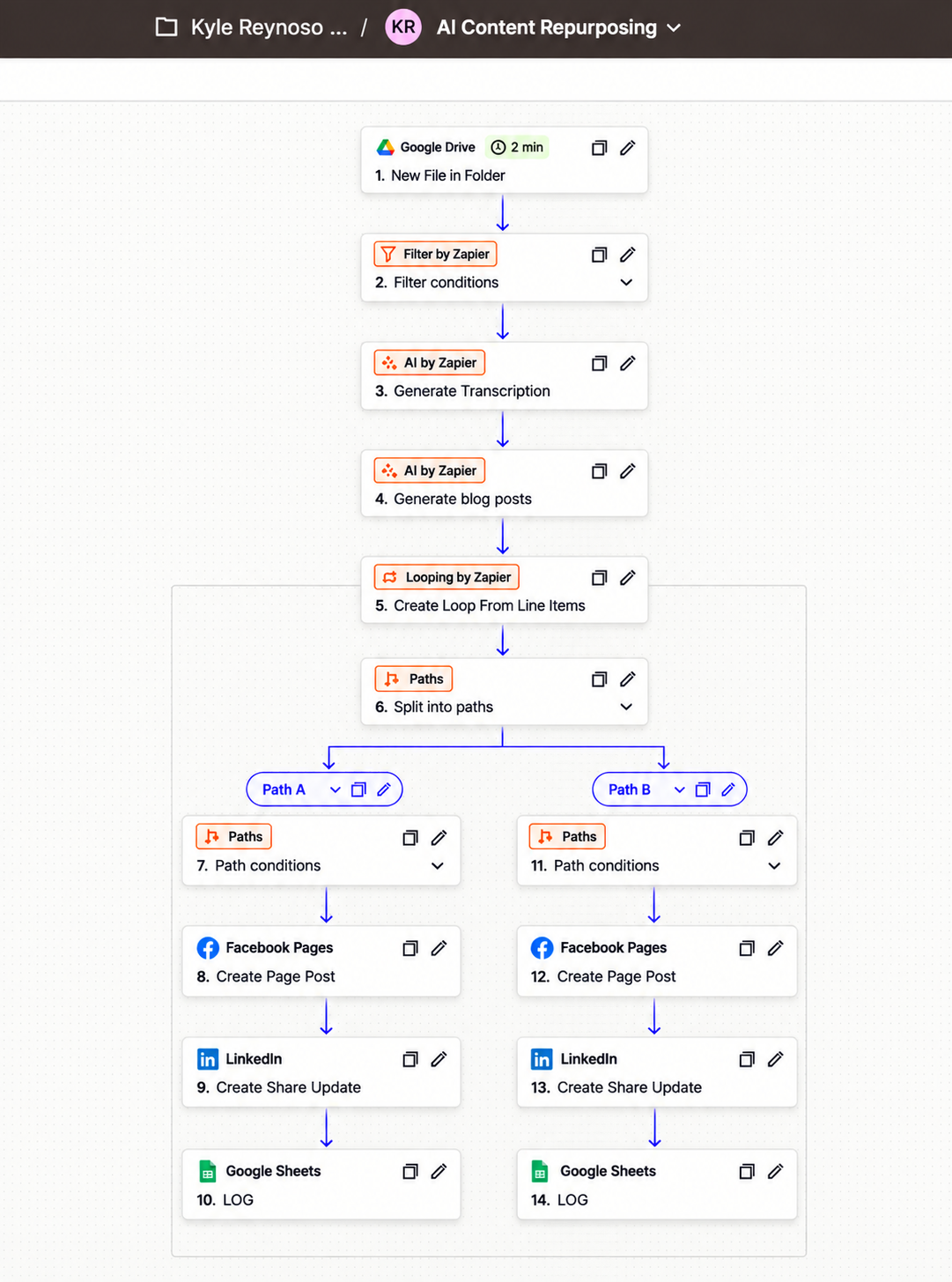
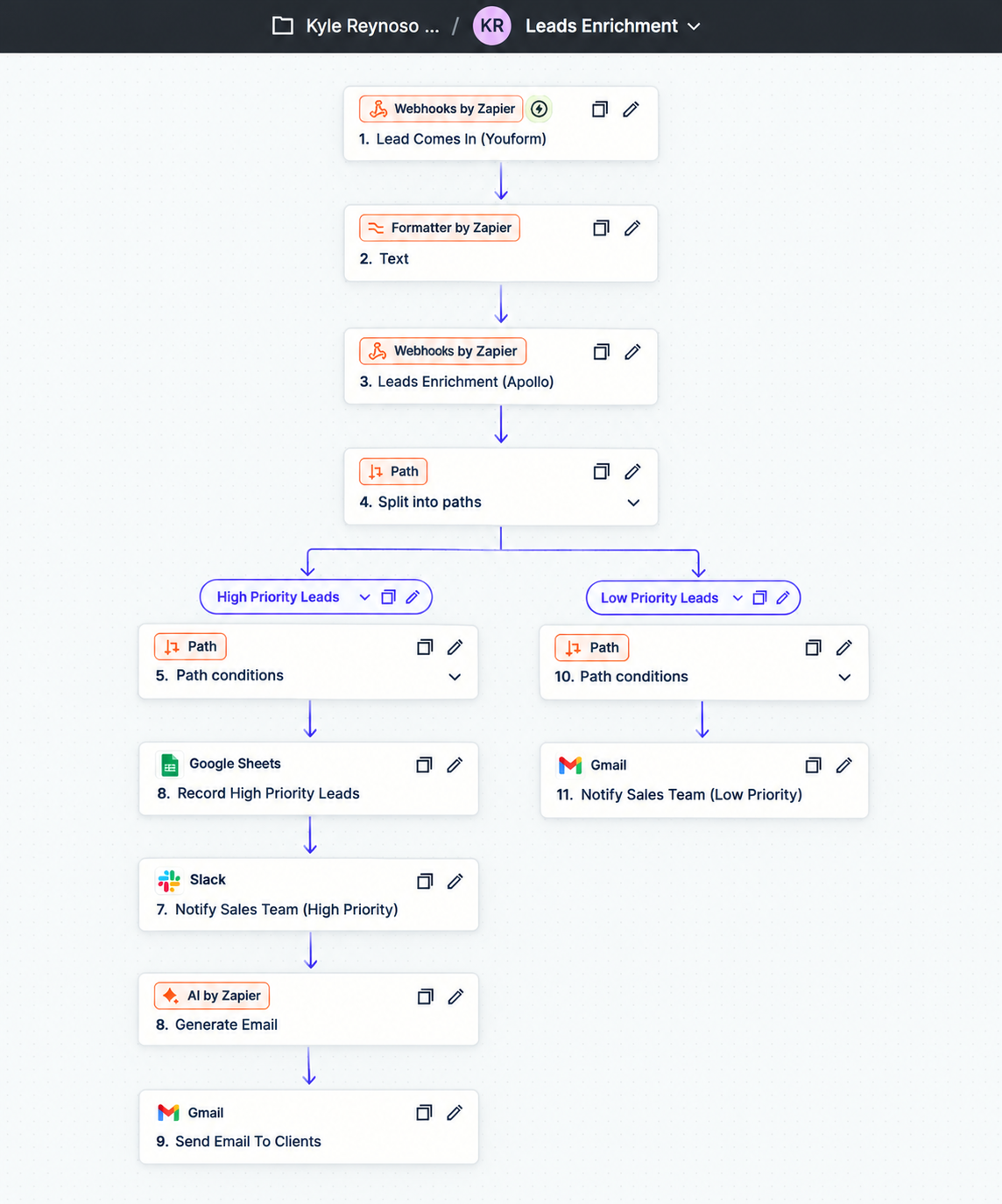
Connect your CRM, email and everyday business apps with n8n, Make.com, Zapier and APIs. Explore how I build lead follow-ups, document workflows and AI-assisted tools.

Business understanding.Practical automation.
Kyle Matthew M. Reynoso wearing a black shirt and tie, with arms crossed

Automation in practice.

Explore the workflows, the decisions behind them, and the evidence so far.

8 projects across three platforms

Showing 8 projects

Independent portfolio projects. Each case study includes its testing evidence and limitations.

n8n projects

AI agents & connected workflows

3 projects

Make.com projects

Business operations & document handoffs

2 projects

Zapier projects

CRM, content & lead enrichment

3 projects

A request becomes
a connected workflow.

An illustrative workflow. Select a step to explore the logic.

A request arrives

A message or webhook supplies the request. In a real workflow, the entry point and required fields depend on the business process.

Illustration only · no live integrations

Business perspective.Practical automation.

Education
BSBA · Marketing Management
Focus
Business processes & AI-assisted workflows
Location
Philippines
Understand
Simplify
Connect

I approach automation with a business mindset: understand the process, simplify the handoffs, then connect the right tools.

My Marketing Management background helps me look beyond individual tasks to the information, decisions and people behind a workflow.

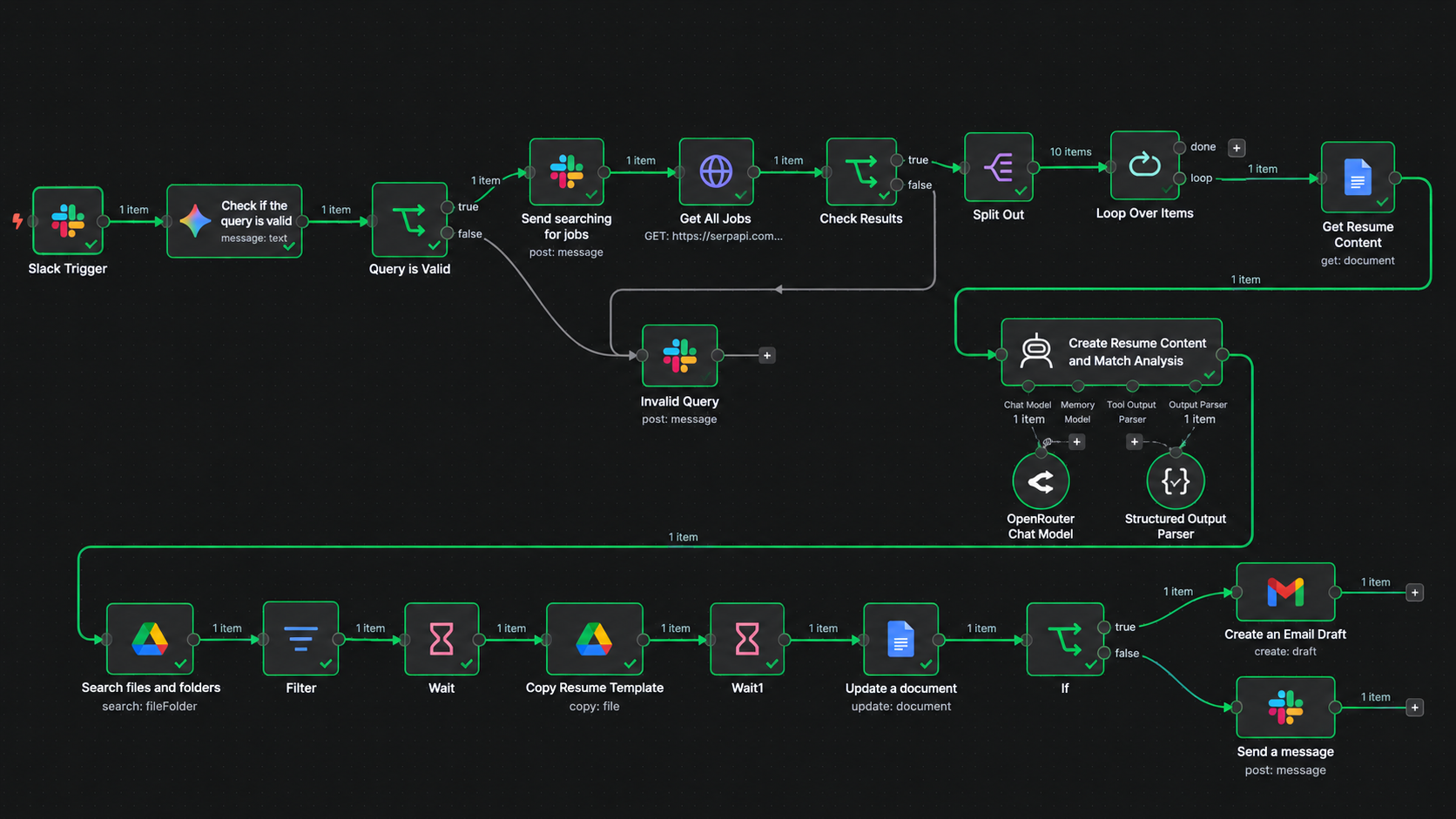
Through hands-on projects, I build CRM follow-up, document workflows and AI-assisted tasks with n8n, Make.com, Zapier, REST APIs and webhooks.

Clear logic.Careful testing.Useful documentation.

See how I approach a workflow

A clear process.
Better connected work.

How I approach my automation projects: understand the business need, build deliberately, and check what the workflow actually does.

A practice I’m developing through hands-on projects.

  1. 01

    Discover the workflow

    Start with the work, not the tool.

    Understand the process, find repetitive handoffs, and define the information and outcome the workflow needs.

    Process map
  2. 02

    Design the automation

    Give every step a clear purpose.

    Map triggers, actions and data flow. Plan conditions, exceptions and the points where a person should review the output.

    Workflow blueprint
  3. 03

    Connect and build

    Turn the map into a working flow.

    Connect the right applications using n8n, Make.com or Zapier. Configure APIs, data mapping and AI steps where they serve the task.

    Connected workflow
  4. 04

    Test and refine

    Check the details. Improve the handoffs.

    Review test executions, validate outputs and troubleshoot edge cases. Document what works, what needs review and what remains unverified.

    Validation notes

What can I automate?

Start with a recurring business problem. Explore the approaches in my portfolio.

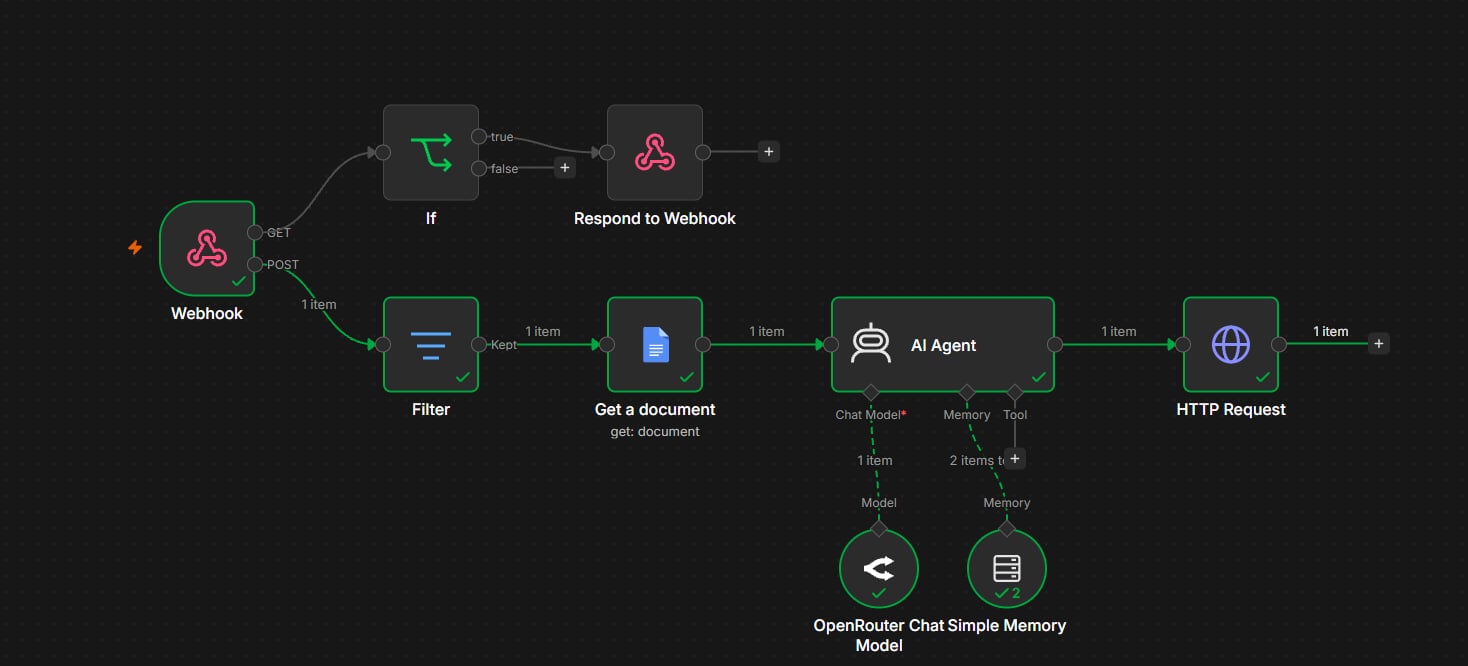
API & Webhook Integration

Disconnected applications need a reliable way to exchange information.

Use APIs and webhooks to move structured data between the steps of a business process.

REST APIsWebhooksJSONHTTP requests

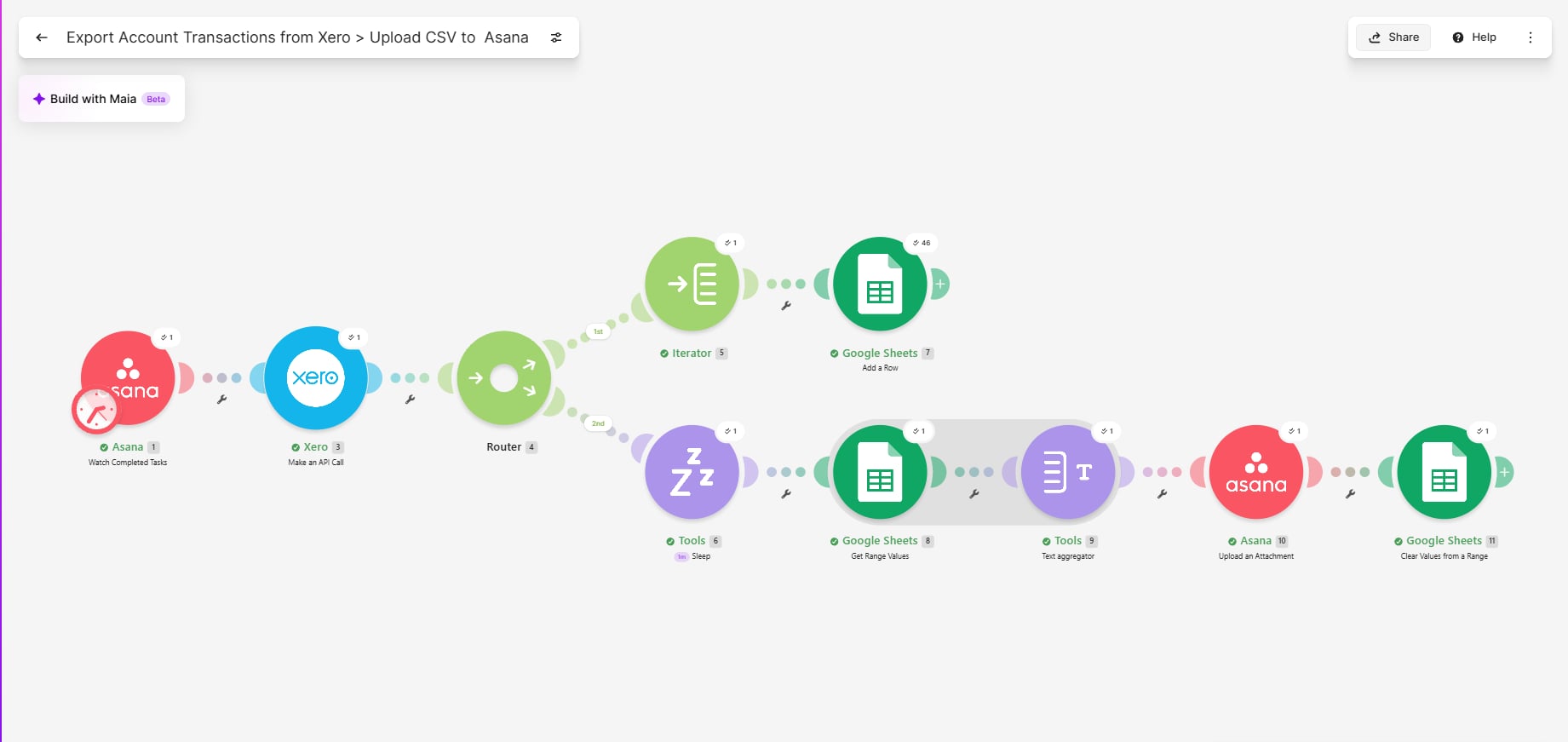
Data Processing & Application Connectivity

Documents and accounting data often need to move between tools.

Map, stage and aggregate information so the next application receives the structure it needs.

Google WorkspaceXeroAsana

Powered by.

The tools behind my automation projects.
Connected around the work that needs to happen.

  • n8nAutomation
  • Make.comAutomation
  • ZapierAutomation
  • OpenRouterAI models
  • Google SheetsData
  • Google DriveFiles
  • Google DocsDocuments
  • GmailEmail
  • AsanaOperations
  • SlackMessaging
  • XeroAccounting
Automation
n8n · Make.com · Zapier
AI
OpenRouter · AI agents
APIs
REST APIs · Webhooks · JSON
Business applications
Google Workspace · Asana · Slack · Xero

Tools shown in the project evidence. Explore the case studies to see how they connect.

Let’s build
something
smarter.

Have a process that could work better?
Or a team I could contribute to? Let’s connect.

My résumé

A closer look at my background and skills.

Download résumé PDF
[email protected]

Opens your email app with a draft. You review it before sending.

Connect on LinkedIn View my OnlineJobs.ph profile Based in the Philippines

Workflow detail

FitOpen original image

Zoom to read individual nodes. Scroll the image for more detail, or open the original for native browser zoom.